In Java, when things go wrong, we throw exceptions. Java provides two keywords that look very similar but do completely different tasks: throw and throws. Furthermore, Java lets you declare your own custom exception classes to represent specific business errors.
In this guide, we will clarify the difference between throw and throws, and demonstrate how to write a custom exception class.
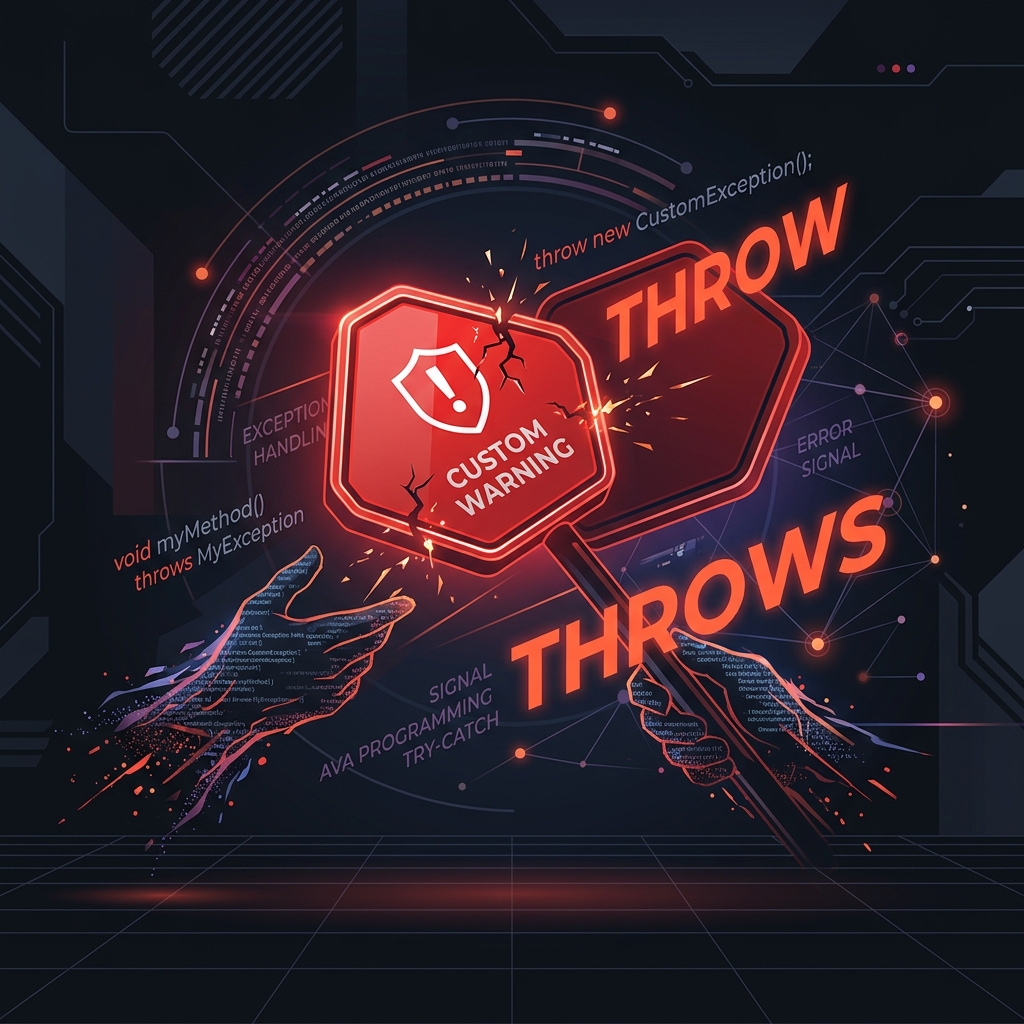
Imagine a theme park ride with an age restriction:
throw(Action): The ride coordinator checks your height. If you are too short, they physically hand you a red card and say: "Access Denied." This is the action of **throwing** a specific exception.throws(Warning Sign): At the entrance of the ride, there is a large warning sign saying: "Warning: This ride may throw Motion Sickness." This is the method signature **declaring** that it can cause this exception.
1. The throw Keyword
The throw keyword is used to explicitly throw an exception object from any method or block of code:
class ThrowExample {
    static void validate(int age) {
        if (age < 18) {
            // Throwing an instance of ArithmeticException
            throw new ArithmeticException("not valid");
        } else {
            System.out.println("welcome to vote");
        }
    }

    public static void main(String args[]) {
        validate(13); // Triggers exception throw
    }
}
2. The throws Keyword
The throws keyword is part of the method signature. It warns callers that this method contains checked exceptions that they must handle:
import java.io.IOException;

class ThrowsExample {
    void m() throws IOException {
        throw new IOException("device error"); // Checked exception
    }

    void n() throws IOException {
        m(); // Propagates it further
    }

    void p() {
        try {
            n();
        } catch (IOException e) {
            System.out.println("Exception handled in p()");
        }
    }

    public static void main(String args[]) {
        new ThrowsExample().p();
    }
}
3. Creating Custom Exceptions
Sometimes Java's built-in exceptions don't represent your business domain. For example, if a user tries to withdraw more money than they have, you might want to throw an InvalidAgeException or InsufficientFundsException:
// Custom Checked Exception (extends Exception)
class InvalidAgeException extends Exception {
    InvalidAgeException(String s) {
        super(s); // Pass message to super constructor
    }
}

public class CustomException {
    static void validate(int age) throws InvalidAgeException {
        if (age < 18) {
            throw new InvalidAgeException("not valid");
        } else {
            System.out.println("welcome to vote");
        }
    }

    public static void main(String args[]) {
        try {
            validate(13);
        } catch (InvalidAgeException m) {
            System.out.println("Exception occurred: " + m.getMessage());
        }
    }
}
Conclusion
In short:
- Use
throwinside method bodies to trigger an exception. - Use
throwsin method signatures to warn callers about checked exceptions. - Extend
Exceptionto build checked custom exceptions, orRuntimeExceptionto build unchecked custom exceptions.