The java.io package is one of the classic examples of the **Decorator Design Pattern** in software engineering. By wrapping classes inside other classes, you can dynamically attach new behaviors to input streams without modifying the underlying class structures.
In this guide, we will extend BufferedReader to build a custom decorator—called CapReader—that automatically transforms all text lines to uppercase as they are read.
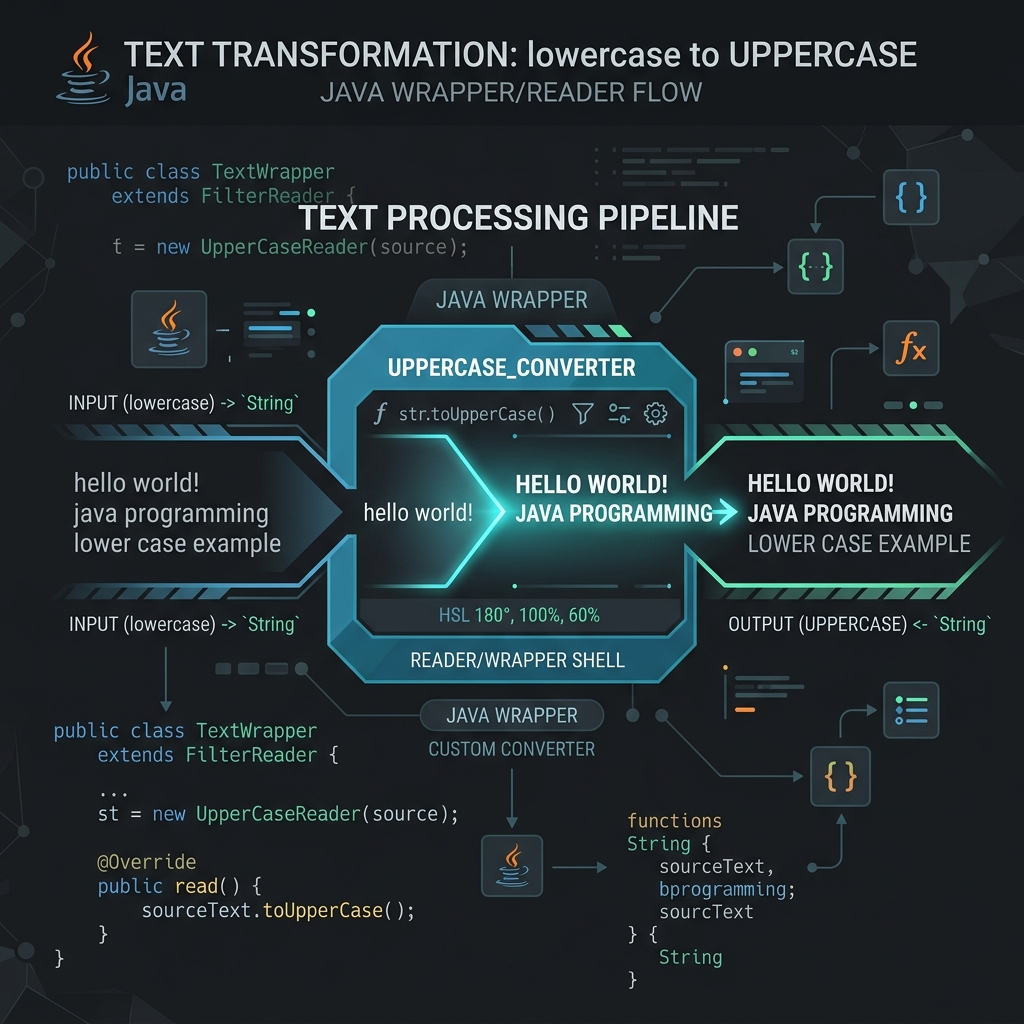
Imagine your sink faucet has a basic water pipe (BufferedReader):
- You buy an attachment filter (CapReader) and screw it onto the faucet.
- As the water flows out of the main pipe, it passes through the filter, which purifies it or adds flavor before it reaches your glass.
- The faucet doesn't know the filter exists; it just pushes water. The filter decorates the water stream on the fly.
1. Creating the Decorator Class
To build our custom filter, we extend BufferedReader and override its readLine() method. Inside the override, we call super.readLine() to get the raw text, then apply our capitalization logic:
import java.io.BufferedReader;
import java.io.IOException;
import java.io.Reader;

class CapReader extends BufferedReader {
    public CapReader(Reader arg0) {
        super(arg0); // Pass reader to super constructor
    }

    @Override
    public String readLine() throws IOException {
        String line = super.readLine(); // Fetch raw line
        if (line != null) {
            return line.toUpperCase(); // Decorate line by converting to uppercase
        }
        return null;
    }
}
2. Applying the Custom Filter
Now, we chain our custom CapReader into the reader pipeline, just like we would with standard Java streams:
import java.io.FileReader;
import java.io.IOException;

public class CapitalizeRead {
    public static void main(String[] args) {
        String content = textFromFile();
        System.out.println("Uppercase file content:\n" + content);
    }

    private static String textFromFile() {
        FileReader f = null;
        try {
            f = new FileReader("wordcheck.txt");
            BufferedReader b = new BufferedReader(f);
            CapReader c = new CapReader(b); // Wrap inside our custom CapReader

            String alltext = "";
            String line = "";
            while ((line = c.readLine()) != null) {
                alltext += line + "\n";
            }
            return alltext;
        } catch (IOException e) {
            e.printStackTrace();
        } finally {
            if (f != null) {
                try {
                    f.close();
                } catch (IOException e) {
                    e.printStackTrace();
                }
            }
        }
        return null;
    }
}
Conclusion
By extending reader classes, you can design reusable streams that clean inputs, decrypt data on the fly, or format logs automatically. This clean separation of concerns is the essence of the Decorator pattern.